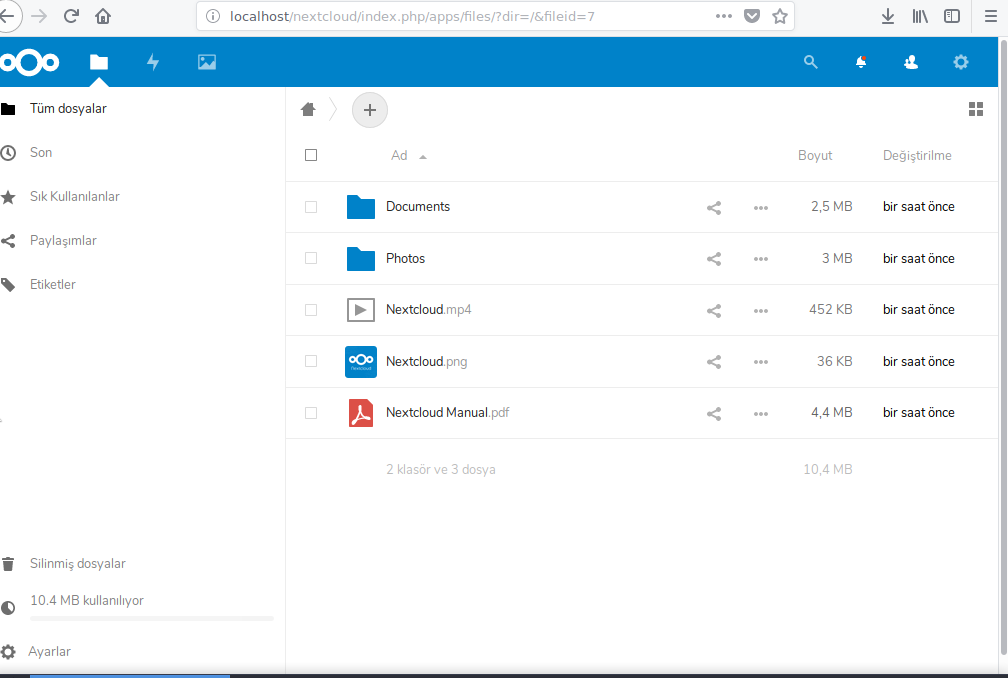
Nextcloud kurulumu
Pardus 21 sürümü için güncel kurulum belgesine https://gonullu.pardus.org.tr/pardusa-nextcloud-nasil-kurulur/ adresinden ulaşılabilir.
Pardus 17.4 üzerinde Nextcloud server kurulumu;
- Aşağıdaki paketler yüklenir.
#apt-get install apache2 mariadb-server libapache2-mod-php7.0

#apt-get install php7.0-gd php7.0-json php7.0-mysql php7.0-curl php7.0-mbstring

#apt-get install php7.0-intl php7.0-mcrypt php-imagick php7.0-xml php7.0-zip
- https://nextcloud.com/install/#instructions-server adresinde indirme seçeneklerinden tar.bz2 uzantılı en son sürüm indirilir. İndirilen sıkışmış dosya açılır.
- Dosyalar web sunucusu tarafına kopyalanır.
- /etc/apache2/sites-available/nextcloud.conf dosyası oluşturulur ve aşağıdaki içerik içine kaydedilir.
Alias /nextcloud "/var/www/html/nextcloud/"

<Directory /var/www/html/nextcloud/>

 Options +FollowSymlinks

 AllowOverride All

<IfModule mod_dav.c>

 Dav off

 </IfModule>

SetEnv HOME /var/www/html/nextcloud

 SetEnv HTTP_HOME /var/www/html/nextcloud

</Directory>
- Apache linki oluşturulur.
- /etc/apache2/sites-available/cloud.conf dosyası oluşturulur ve aşağıdaki içerik içine kaydedilir.
<VirtualHost *:80>

         ServerName next.cloud.org.tr

        ServerAdmin webmaster@localhost

         DocumentRoot /var/www/html

        ErrorLog ${APACHE_LOG_DIR}/error.log

         CustomLog ${APACHE_LOG_DIR}/access.log combined

</VirtualHost>
- /etc/apache2/sites-available/reverse.conf dosyası oluşturulur ve aşağıdaki içerik içine kaydedilir.
<VirtualHost *:8080>

 ServerName next.cloud.org.tr:8080

AllowEncodedSlashes On

ProxyPreserveHost On

ProxyPass /loleaflet https://127.0.0.1:9980/loleaflet retry=0

 ProxyPassReverse /loleaflet https://127.0.0.1:9980/loleaflet

ProxyPass /hosting/discovery https://127.0.0.1:9980/hosting/discovery retry=0

 ProxyPassReverse /hosting/discovery https://127.0.0.1:9980/hosting/discovery

ProxyPassMatch "/lool/(.*)/ws$" wss://127.0.0.1:9980/lool/$1/ws nocanon

ProxyPass /lool/adminws wss://127.0.0.1:9980/lool/adminws

ProxyPass /lool https://127.0.0.1:9980/lool

 ProxyPassReverse /lool https://127.0.0.1:9980/lool

 </VirtualHost>
- Linkler oluşturulur.
#ln -s /etc/apache2/sites-available/cloud.conf /etc/apache2/sites-enabled/cloud.conf

#ln -s /etc/apache2/sites-available/reverse.conf /etc/apache2/sites-enabled/reverse.conf
- Apache modülleri yüklenir.
#a2enmod rewrite

#a2enmod headers

#a2enmod env

#a2enmod dir

#a2enmod mime

#a2enmod ssl

#a2enmod proxy

#a2ensite default-ssl

#service apache2 reload
- Mysql konfigürasyonu
#sudo mysql -u root -p

 create database nextcloud;

 create user nxtadmin@localhost identified by 'admin123';

 grant all privileges on nextcloud.* to nxtadmin@localhost identified by 'admin123';

 flush privileges;

 exit;
- Web browser üzerinde http://localhost/nextcloud ile giriş ekranına gelip;
Konfigürasyon ekranında kullanıcı adı ve şifreyi biz ayarlıyoruz.
Veritabanı kullanıcısı: nxtadmin
Veritabanı parolası: admin123
Veritabanı adı: nextcloud
Veritabanı host: localhost